

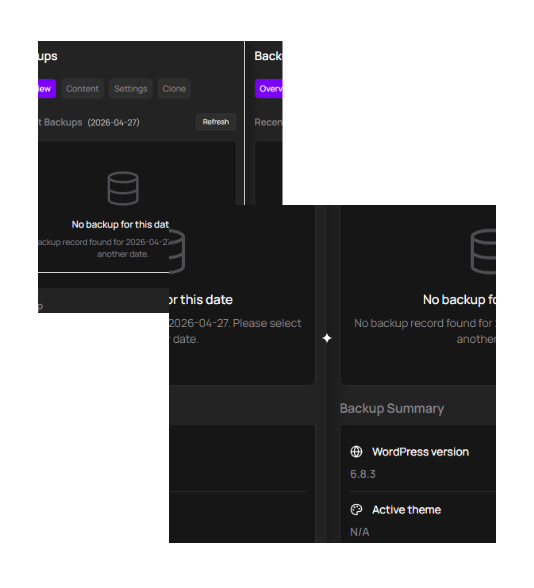
Website Management Platform: Manage WordPress and Monitor Any Website with Complete Control
W3SpeedX is a website management platform for WordPress. Manage, monitor, and back up multiple WordPress sites from one dashboard. It also monitors uptime and performance for any CMS or framework.
It's built for agencies, developers, and teams that run 3 or more sites.
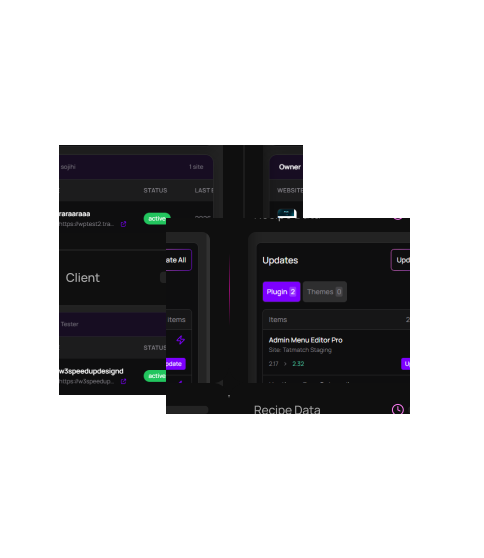
Built for Agencies, Developers, and Growing Teams






According to W3Techs, 42.2 percent of all websites use WordPress as of May 2026. Teams that maintain many installs need one place to run them. A single WordPress management platform, which doubles as a website monitoring platform, gives them that place. Many teams also run sites on other stacks. They can monitor any CMS website from the same dashboard.
Powerful WordPress Website Management Tools
W3SpeedX is an all in one WordPress management tool. Each module runs per site, so every site carries only the tools it needs. Two modules, Uptime Monitor and Performance, also work on non-WordPress sites.
Simplified WordPress Website Administration
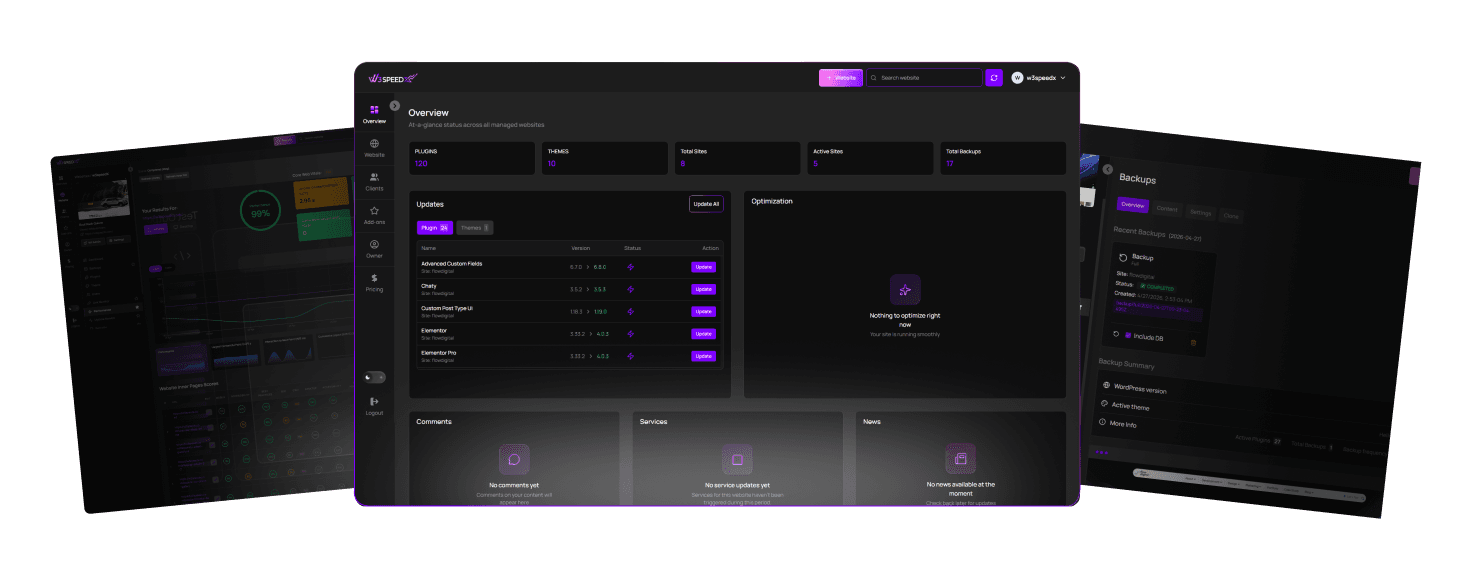
Manage multiple WordPress sites from one multi-site WordPress dashboard. Filter your site list, open any site, and run actions across several sites at once. Bulk plugin and theme updates apply changes in one pass. That removes repeat logins, because you stop opening each wp-admin separately.
You can manage WordPress sites from one dashboard without switching tabs.
Secure Team & Client Collaboration
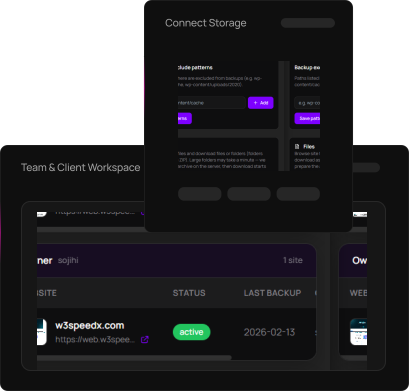
Give teammates and clients access without sharing passwords.
Owner and client roles control who sees each site.
Two-factor authentication protects the dashboard login.
Client and team permissions keep access tidy as your roster grows.
Monitor Any CMS or Framework Website
Not every client runs WordPress. Add a site by URL, whether it runs Shopify, Magento, Drupal, Joomla, Wix, Squarespace, or Webflow. Next.js, Nuxt.js, React, Vue, Laravel, Gatsby, Ghost, Hugo, Jekyll, and static sites work too. W3SpeedX detects the stack. You get website uptime monitoring and web performance monitoring on that site. Non-WordPress website monitoring keeps your whole client list in one place, which means you stop paying for a second tool.

Strengthen Webite Reliability & Performance

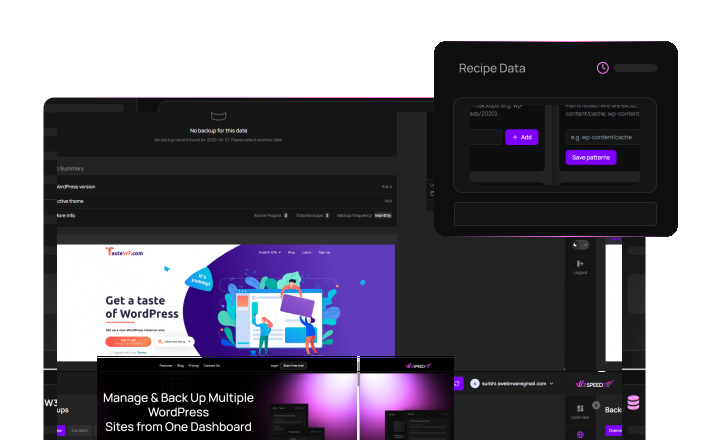
WordPress backup and restore. Schedule automated incremental cloud backups. Restore from a backup calendar, or duplicate a site with WordPress site cloning.
Website uptime monitoring. Get WordPress uptime alerts by Email, Slack, or SMS. This CMS uptime and performance monitoring also covers non-WordPress sites. An SSL indicator flags certificates that expire within 10 days.
Web performance monitoring. Track LCP, INP, CLS, and TTFB from Google PageSpeed Insights data. Core Web Vitals monitoring covers desktop and mobile, on WordPress and framework-based sites alike.
Website link monitoring tool. Scan for broken and slow URLs. Manage nofollow settings on the same screen.
Automated WordPress maintenance. Schedules run backups, uptime checks, and link scans in the background.
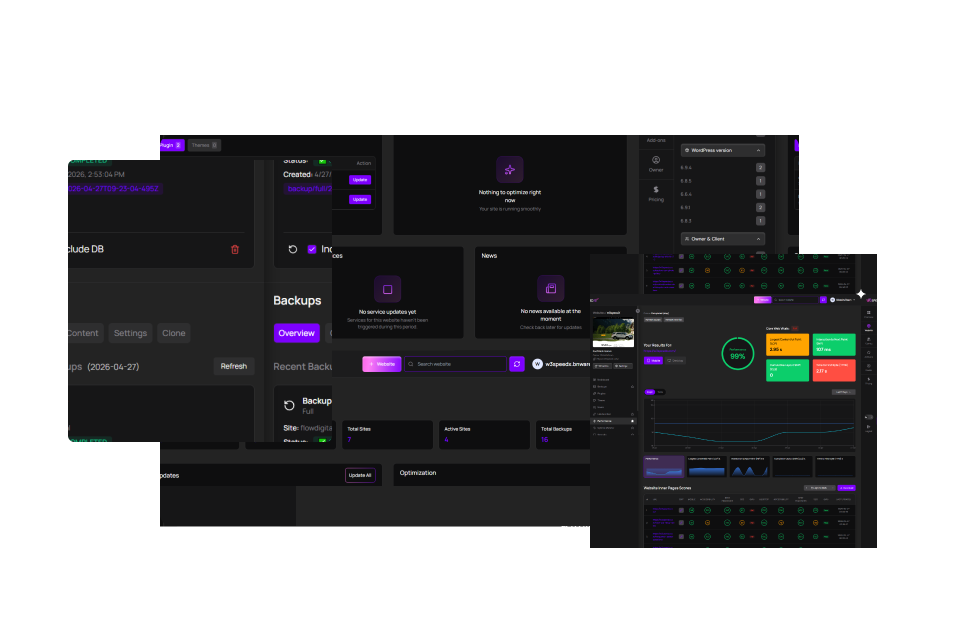
According to Google's web.dev documentation, a good LCP is 2.5 seconds or less. A good INP is 200 milliseconds or less. A good CLS is 0.1 or less. According to G7Cloud's 2026 guide, Google grades sites on real Chrome user data from the previous 28 days. A site at 99.9 percent uptime still loses 43.8 minutes every month. That's why alerts matter.
Why Choose W3SpeedX as Your Website Management Platform

Centralized WordPress Automation Tool
W3SpeedX works as an automation tool for repeat work. Automated WordPress maintenance runs on schedules for backups, checks, and scans.

Automated Backup Protection
Automated cloud backups run on your schedule. Each incremental run copies only what changed, which means restore points stay lightweight.

Performance and Uptime Monitoring
As a website monitoring platform, W3SpeedX lets you monitor website performance and uptime on one screen. A slow release shows up next to any outage.

Internal Linking and Link Health
The Interlinker is an internal linking tool that surfaces suggested links on a schedule. This website link monitoring tool flags broken URLs beside it.

Faster Problem Resolution
Alerts, SSL warnings, and per-page data show where a problem starts. Core Web Vitals monitoring points to the slow page. You act on the cause, not the symptom.
Better Team Collaboration
Client and team permissions keep agencies, developers, and clients in their own lanes. Two-factor authentication guards the login.
How W3SpeedX Works
Start the free trial
Create an account in a few clicks.
Add your sites
Enter each site URL. W3SpeedX detects the stack. WordPress sites connect through its connector plugin. Other sites start monitoring right away.
Activate modules
Turn on Uptime Monitor and Performance for any site. Add Backups, Link Monitor, or Interlinker on WordPress sites.
Set schedules and alerts
Choose backup times and alert channels. Then manage WordPress sites from one dashboard.
W3SpeedX Modules at a Glance
| Module | What it does | Works with | Where you see results |
|---|---|---|---|
| Backup & Restore | Automated incremental cloud backups, restore, and site cloning | WordPress | Backup Calendar |
| Uptime Monitor | Checks each site and sends alerts by Email, Slack, or SMS | WordPress and any CMS or framework | Site Status View |
| Performance | Google PageSpeed Insights data for LCP, INP, CLS, and TTFB | WordPress and any CMS or framework | Desktop and Mobile Scores |
| Link Monitor | Finds broken and slow URLs and manages nofollow | WordPress | Link Report |
| Interlinker | Suggests internal links on a schedule | WordPress | Suggestion List |
| Team Access | Owner and client roles with two-factor authentication | All connected sites | User settings |

Trusted By Website Professionals
5.0 out of 5 based on 10 customer reviews

Built by WordPress Performance
Experts
W3SpeedX is built by Ashish Jain, founder of W3SpeedX and a certified Full Stack Developer. He has over 10 years of experience in web development, website speed optimization, Core Web Vitals, and technical SEO. He created W3SpeedX to help agencies and developers manage, monitor, and maintain multiple WordPress sites from one dashboard.
In practice, one screen replaces separate wp-admin logins. The result was a platform shaped by day-to-day client-site management, not by feature lists.
- 10+Years of Expertise in WordPress Performance
- Hands-onClient-Site Management at Scale
- CertifiedFull Stack Developer and Technical SEO
Frequently Asked Questions
A website management platform is software that runs several websites from one dashboard. It centralizes updates, backups, monitoring, and team access. W3SpeedX is a website management platform built for WordPress.
W3SpeedX is a WordPress management platform for agencies, developers, and businesses. It connects multiple sites to one dashboard. Modules cover backups, uptime, performance, link monitoring, and internal linking. Uptime and performance monitoring also work on non-WordPress sites.
Add each site by URL and connect it through the W3SpeedX connector plugin. Every site then appears in one multi-site WordPress dashboard. From there, you run bulk plugin and theme updates across sites.
Yes. W3SpeedX runs automated incremental cloud backups on a schedule you set. A backup calendar lists each restore point. You restore a copy from the dashboard, and WordPress site cloning sits in the same module.
W3SpeedX checks whether each site responds. If a site goes offline, it sends WordPress uptime alerts by Email, Slack, or SMS. An SSL indicator also flags certificates that expire within 10 days.
Yes. W3SpeedX offers non-WordPress website monitoring through two modules. Uptime Monitor and Performance work on other CMS and frameworks, including Shopify, Magento, Drupal, Next.js, Laravel, React, and Vue. Framework website monitoring and CMS uptime and performance monitoring use those same two modules. Backups, link monitoring, and the Interlinker are WordPress modules.
You can start with a free trial. Modules are billed per site, and a bundle plan covers up to 100 sites. See the pricing page for current rates.

Latest Insights
Read practical guides on WordPress backups, uptime monitoring for any CMS, and link monitoring. Learn how to use an internal linking tool. Each article compares tools and explains how to monitor website performance and uptime with less manual work.